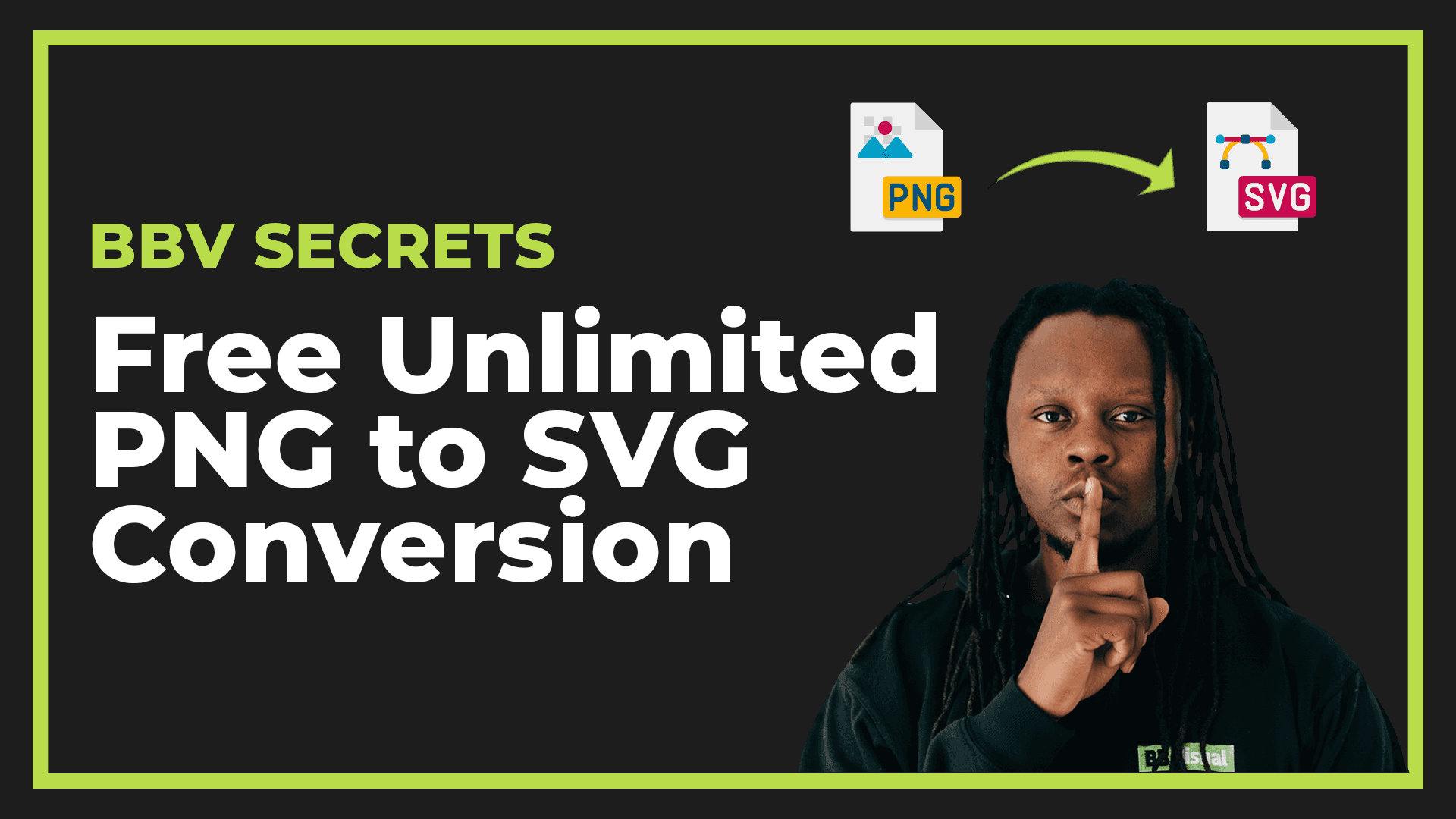
Adobe's Hidden Gem: Free Unlimited PNG to SVG Conversion Tool

Nov 19, 2025

4 MINS
Need to convert a PNG to SVG but don't want to download sketchy software or hit those annoying "free trial" limits?
I've got good news.
The Problem:
If you work with web graphics, you know the struggle. PNG files look great, but they don't scale well. SVG files are perfect for logos, icons, and responsive designs - but converting between formats usually means:
Downloading conversion software you'll use once
Hitting "3 free conversions" limits on random websites
Manually tracing images in Illustrator (time-consuming!)
Paying for yet another subscription service
The Solution:
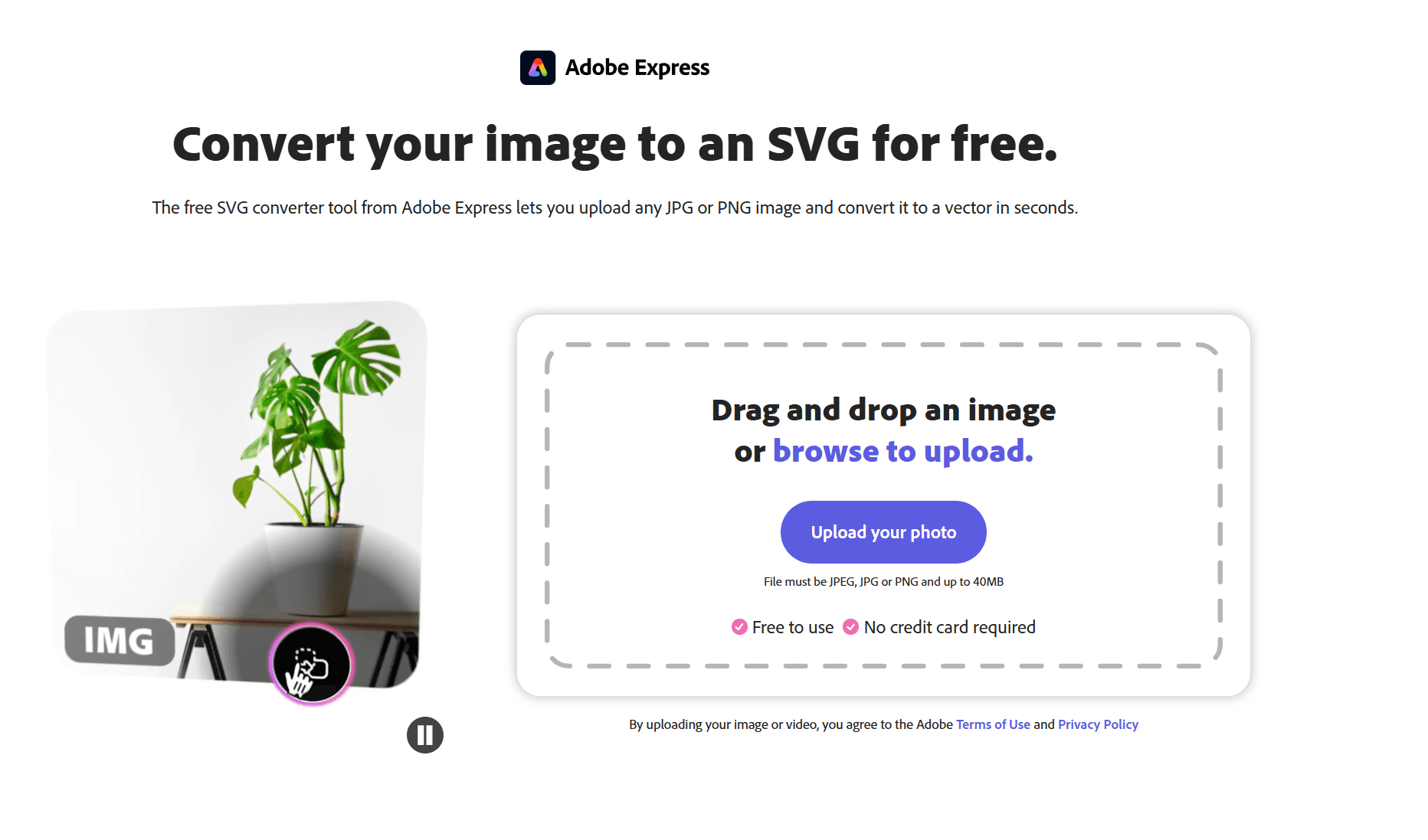
Adobe has a PNG to SVG converter that's completely online, unlimited, and free to use: https://www.adobe.com/express/feature/image/convert/svg
Yes, I know Adobe isn't everyone's favorite company right now. But this tool genuinely saves me hours every month, and I'd be doing you a disservice not to share it.
Why This Tool is a Game-Changer:
1. It's Actually Unlimited
Unlike most "free" converters, there's no sneaky limit. Convert 5 files or 500 - Adobe doesn't care.
2. No Software Installation
Everything happens in your browser. Upload, convert, download. Done.
3. Quality Results
The conversion quality is surprisingly good for an automated tool. It won't replace manual tracing for complex images, but for logos, icons, and simple graphics? Perfect.
4. Fast Processing
Most conversions happen in seconds. No waiting around or queuing systems.
When to Use This Tool:
Converting logos for responsive websites
Creating scalable icons for different screen sizes
Preparing graphics for print that need to scale
Optimizing images for better website performance
Quick conversions when you don't have Illustrator handy
When NOT to Use It:
Complex photographs (SVG isn't ideal for photos anyway)
Images with gradients or intricate details
When you need precise control over path points
Professional projects requiring manual refinement
How to Use It:
Go to the Adobe Express converter
Upload your PNG file
Let it process (usually takes 5-10 seconds)
Download your SVG file
That's it. No account required for basic use.
Pro Tips:
Start with high-quality PNG files for best results
Simple, high-contrast images convert better than complex ones
Always check the output in your design software before using it in production
Keep your original PNG as a backup
The Catch:
There isn't really one. You don't need an Adobe subscription. You don't need to create an account for basic conversions. It just... works.
If you're doing dozens of conversions daily, you might hit some soft limits, but for normal use? It's genuinely unlimited.
Why I'm Sharing This:
I stumbled across this tool six months ago and it's become part of my daily workflow. Instead of opening Illustrator for every simple conversion, I use this. It's faster, easier, and gets me back to actual design work.
Adobe has plenty of tools buried in their ecosystem that most people never discover. This is one of the good ones.
Alternative Options:
If Adobe really isn't your thing, here are other options:
Vectorizer.io - Another online converter (limited free tier)
Inkscape - Free, open-source software (requires download)
GIMP with plugins - More complex but powerful
But honestly? For quick conversions, Adobe's tool beats them all for convenience.
Bookmark that Adobe converter link. Next time you need a quick PNG to SVG conversion, you'll thank yourself.
What's your go-to tool for image conversions? Drop a comment below - I'm always looking for new time-savers.


Ready to simplify your content? Get in Touch!
We can't wait to fix problems with you and make solutions that are Clean. Simple and Effective.




2025 © BB Visual, All Right Reserved
Ready to simplify your content? Get in Touch!
We can't wait to fix problems with you and make solutions that are Clean. Simple and Effective.
2025 © BB Visual, All Right Reserved
Ready to simplify your content? Get in Touch!
We can't wait to fix problems with you and make solutions that are Clean. Simple and Effective.
2025 © BB Visual, All Right Reserved
Adobe's Hidden Gem: Free Unlimited PNG to SVG Conversion Tool
Nov 19, 2025
4 MINS
Need to convert a PNG to SVG but don't want to download sketchy software or hit those annoying "free trial" limits?
I've got good news.
The Problem:
If you work with web graphics, you know the struggle. PNG files look great, but they don't scale well. SVG files are perfect for logos, icons, and responsive designs - but converting between formats usually means:
Downloading conversion software you'll use once
Hitting "3 free conversions" limits on random websites
Manually tracing images in Illustrator (time-consuming!)
Paying for yet another subscription service
The Solution:
Adobe has a PNG to SVG converter that's completely online, unlimited, and free to use: https://www.adobe.com/express/feature/image/convert/svg
Yes, I know Adobe isn't everyone's favorite company right now. But this tool genuinely saves me hours every month, and I'd be doing you a disservice not to share it.
Why This Tool is a Game-Changer:
1. It's Actually Unlimited
Unlike most "free" converters, there's no sneaky limit. Convert 5 files or 500 - Adobe doesn't care.
2. No Software Installation
Everything happens in your browser. Upload, convert, download. Done.
3. Quality Results
The conversion quality is surprisingly good for an automated tool. It won't replace manual tracing for complex images, but for logos, icons, and simple graphics? Perfect.
4. Fast Processing
Most conversions happen in seconds. No waiting around or queuing systems.
When to Use This Tool:
Converting logos for responsive websites
Creating scalable icons for different screen sizes
Preparing graphics for print that need to scale
Optimizing images for better website performance
Quick conversions when you don't have Illustrator handy
When NOT to Use It:
Complex photographs (SVG isn't ideal for photos anyway)
Images with gradients or intricate details
When you need precise control over path points
Professional projects requiring manual refinement
How to Use It:
Go to the Adobe Express converter
Upload your PNG file
Let it process (usually takes 5-10 seconds)
Download your SVG file
That's it. No account required for basic use.
Pro Tips:
Start with high-quality PNG files for best results
Simple, high-contrast images convert better than complex ones
Always check the output in your design software before using it in production
Keep your original PNG as a backup
The Catch:
There isn't really one. You don't need an Adobe subscription. You don't need to create an account for basic conversions. It just... works.
If you're doing dozens of conversions daily, you might hit some soft limits, but for normal use? It's genuinely unlimited.
Why I'm Sharing This:
I stumbled across this tool six months ago and it's become part of my daily workflow. Instead of opening Illustrator for every simple conversion, I use this. It's faster, easier, and gets me back to actual design work.
Adobe has plenty of tools buried in their ecosystem that most people never discover. This is one of the good ones.
Alternative Options:
If Adobe really isn't your thing, here are other options:
Vectorizer.io - Another online converter (limited free tier)
Inkscape - Free, open-source software (requires download)
GIMP with plugins - More complex but powerful
But honestly? For quick conversions, Adobe's tool beats them all for convenience.
Bookmark that Adobe converter link. Next time you need a quick PNG to SVG conversion, you'll thank yourself.
What's your go-to tool for image conversions? Drop a comment below - I'm always looking for new time-savers.
Ready to simplify your content? Get in Touch!
We can't wait to fix problems with you and make solutions that are Clean. Simple and Effective.
2025 © BB Visual, All Right Reserved